Storing phone repair parts is about more than tidy shelves. An unlabeled flex cable can be confused with another revision, a display can suffer pressure on its glass, and an untested part can accidentally enter the next repair. A simple packaging and labeling system helps prevent these mistakes.
Separate stock by status
Allocate distinct locations for new parts, tested working modules, components from active jobs and returns. Write the status on the packaging or in the stock record. Label colors can help, but should not be the only explanation.
Do not place a removed part with new stock simply because it looks intact. Until its test result is recorded, its condition is unknown. This separation matters even in a one-person workshop.
What to put on the label
Include the SKU or internal code, exact compatible model, revision where applicable, quantity and status. Add the job number for a customer's part, or receipt date and supplier-document reference for purchased stock.
For example: “Charging flex / model and revision / job 042 / removed, untested.” A job number is preferable to a customer's name on an open shelf. Do not cover manufacturer markings, warranty identifiers or electrical contacts.
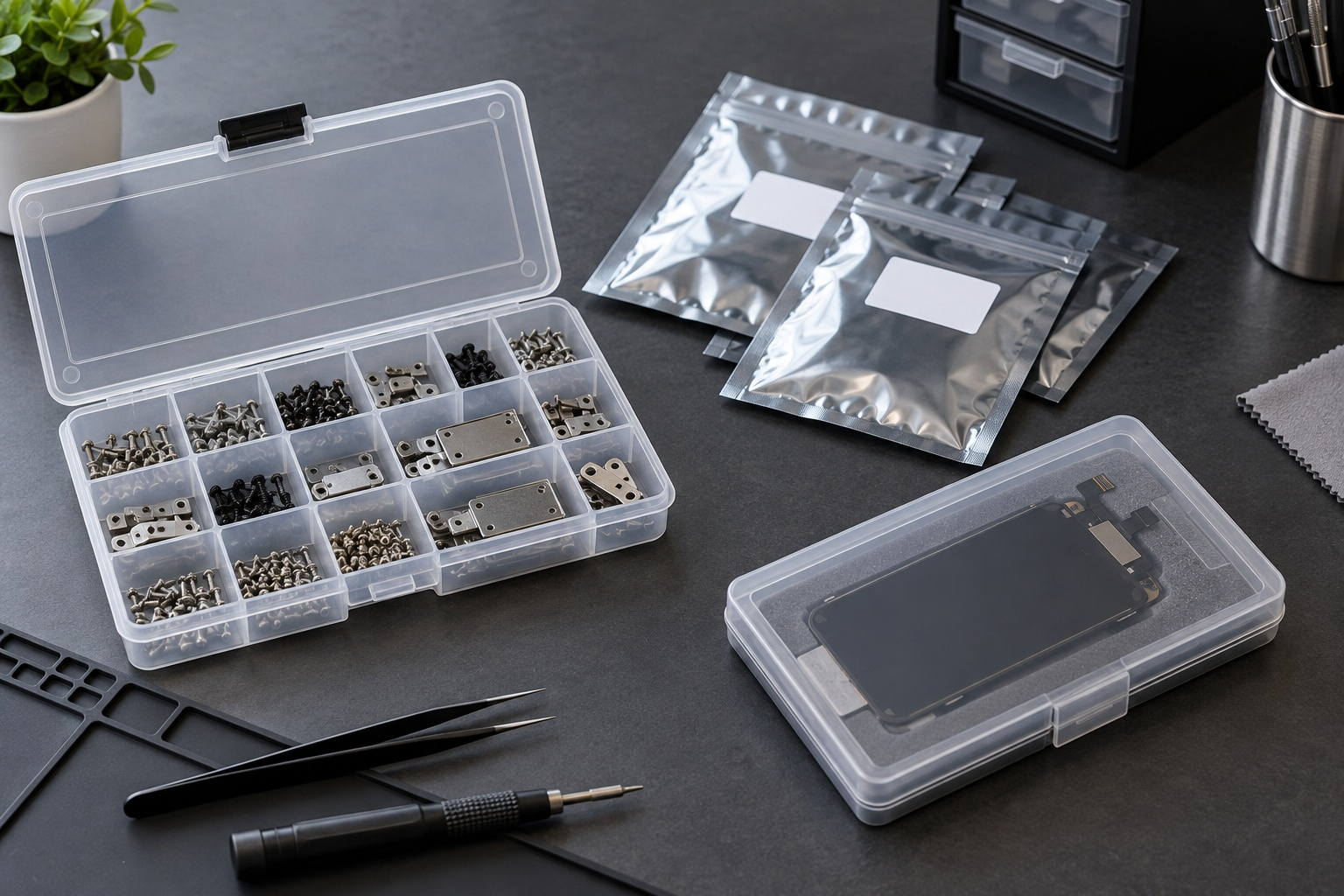
Organizers for screws and brackets
Separate small mechanical parts by job and size. For a small set, consider the 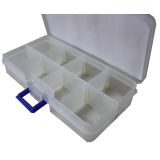 8-compartment small-parts box1,55 $›; for another compartment layout, compare the
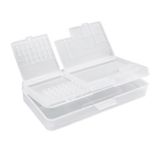 Sunshine SS-001A organizer3,09 $›. Check internal dimensions, dividers and lid closure before purchasing.
An ordinary box helps sort parts, but it is not ESD-protective packaging without confirmed specifications. Do not put screws and an unprotected electronic module in the same compartment: mechanical contact can damage surfaces or connectors.
Protect displays and flex cables
Retain suitable original packaging. A display needs protection from pressure on its glass; a flex cable needs protection from creasing and tension. Do not use the module as a support for other items. Attach tape to the outer packaging rather than functional surfaces.
For static-sensitive components, select packaging by its stated properties. Low charge generation and protection through discharge shielding are different functions. Bag color does not establish protection; appropriate shielding matters outside an ESD-protected area.
Handovers between technicians
Transfer the parts set with its job number and a short record of test results. Move the label whenever a module moves to a different container. An empty compartment should not remain recorded as occupied.
Store tools separately so they cannot press on spare-part packaging. One catalog example for screwdrivers and tweezers is the  Mechanic R38 organizerout of stock›. This is a tool organizer, not a protective enclosure for circuit boards.
Check stock weekly
Reconcile frequently used SKUs, inspect damaged packaging and check that status groups remain separate. Return a part to its assigned location immediately after testing. Follow manufacturer documentation for components with special storage requirements.
Is the phone model enough for a label?
No. One model may use different revisions and part variants. Keep the product code and confirmed compatibility information.
Can one universal organizer hold everything?
Only if the required mechanical and electrostatic protection is provided separately. Choose the container around the part. At GSM-Forsage, check the SKU, dimensions and package contents; consult product pages for current price and availability.
EOS/ESD Association: ESD control and packaging principles

 UA
 RO





The information below is required for social login
Sign In
Create New Account