Useful information
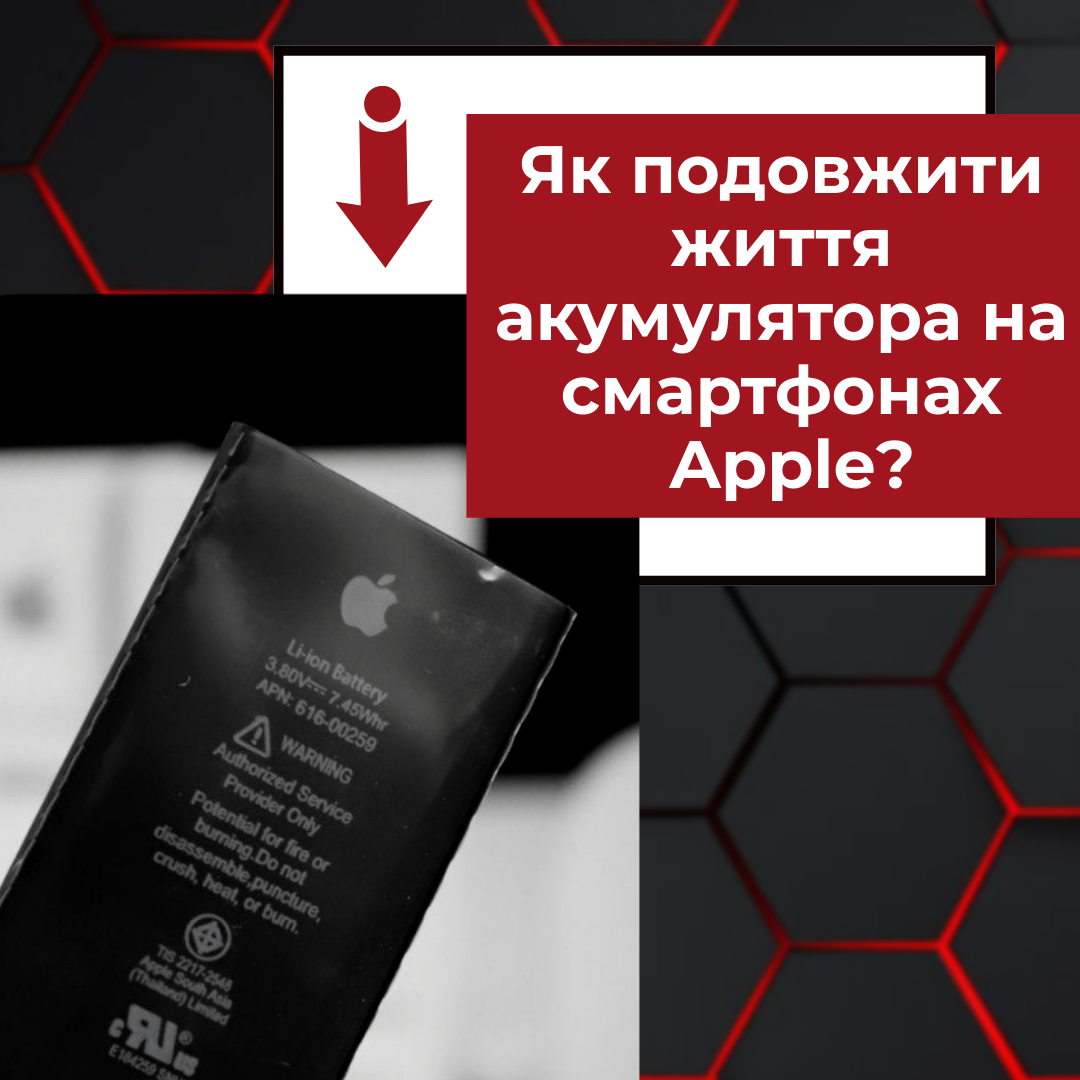
How to extend battery life on Apple smartphones? — a practical article with explanations and recommendations for technicians, service centers, and users. It highlights the main points to consider when choosing, using, or repairing devices.
To slow down iPhone battery wear, avoid heat, keep Optimized Battery Charging (or a charge limit) switched on and cut background activity you do not need. Charging overnight or topping up to 100% is not a fault in itself. Long stretches at high temperature are what speed up chemical ageing the most.
What actually wears out an iPhone battery
iPhones use lithium-ion batteries. Apple explains that every rechargeable battery ages chemically: its maximum capacity drops and so does its ability to deliver peak power. Chemical age depends on temperature history, the number of charge cycles and charging patterns, not just on how many months have passed. Apple also separates two ideas worth keeping apart: battery life (how long the phone runs on one charge) and battery lifespan (how long the battery lasts before it needs replacing).
| Situation | What to do | What to check |
|---|
| The iPhone gets hot while charging | Take it out of a thick case, move it somewhere cooler and stop heavy tasks such as gaming or navigation | Whether the heat goes away once the phone cools down |
| The phone charges overnight | Turn on Optimized Battery Charging or set a charge limit if your model supports it | That the option is active in Settings > Battery > Charging |
| The charge does not last until evening | Review battery usage by app and background activity | Which apps use the most energy |
| The phone shuts down unexpectedly | Check battery health and any service message | Whether it happens under load or in the cold |
Keep the temperature in check
Apple says iPhone works best at ambient temperatures between 0 and 35 °C, with 16 to 22 °C as the ideal comfort zone. Exposure to ambient temperatures above 35 °C can permanently reduce battery capacity, and charging in the heat makes it worse. Do not leave the phone in a hot car, in direct sun or under a pillow while it charges. If it gets hot on the charger inside a case, Apple recommends taking it out of the case.
Cold works differently. In low temperatures battery impedance rises for a while, so an older battery may shut the phone down sooner. Battery life returns to normal once the phone warms up, but frequent cold shutdowns can be a sign that the battery has aged.
Set up charging
- Open Settings > Battery > Charging and check that Optimized Battery Charging is on. It learns your routine and can delay charging past 80% when it expects the phone to stay plugged in for a long time.
- On iPhone 15 models and later you can also choose a charge limit from 80% to 100% in 5% steps. Apple notes that the phone will occasionally charge to 100% to keep its charge estimates accurate.
- Use a working charger and cable that are compatible with your iPhone. A certified or good-quality accessory matters more than the logo on the plug.
- You do not need to wait until the battery drops to 20% or unplug it the moment it hits 100%. Apple states that partial charging throughout the day does not harm the battery.
iPhone charges quickly up to about 80% and then slows down to limit heat. If you want to know how charging speed relates to wear, read our guide on whether fast charging damages your phone battery.
Cut unnecessary power use
Lower the screen brightness or use Auto-Brightness, prefer Wi-Fi where it is available, and check background app refresh and location services for apps that do not need them. The Battery screen shows how much energy each app has used. Low Power Mode helps the phone last until you can charge it, but it does not restore a worn battery.
A charged power bank is handy when you are away from a socket. Our article on how to use a power bank correctly covers safe charging and storage.
How to check battery health
Go to Settings > Battery and open the battery health section. Maximum Capacity is measured relative to the battery when it was new. Messages about peak performance or service add context. A single percentage without symptoms is not a full diagnosis, so look at how the phone actually behaves: sudden drops in charge, unexpected shutdowns or a swollen case.
Has battery life fallen sharply, or does the phone switch off on its own? Use our checklist on when a phone battery should be replaced. A swollen battery is a reason to stop charging the phone straight away and not to open it yourself.
Storing an iPhone you are not using
If you put a phone away for a long time, Apple recommends charging it to about 50%, switching it off and keeping it in a cool, dry place below 32 °C. For storage longer than six months, charge it back to 50% every six months. A battery stored completely empty can fall into a deep discharge state and stop holding a charge.
Replacement batteries for iPhone 12 and iPhone 12 Pro
Before ordering, match the exact iPhone model, the battery part and the connector. Battery prices and stock change, so check the product page for the current details.
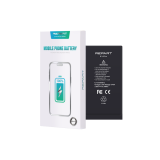 iPhone 12 / iPhone 12 Pro battery (2815 mAh) REPART10,84 $›
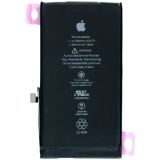 Battery iPhone 12 / iPhone 12 Pro (6.1) OR11,24 $›
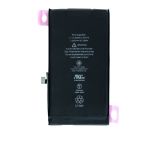 iPhone 12 / iPhone 12 Pro Battery (6.1) OR (No Error)18,58 $›
The next item is a cell supplied without a flex cable and controller. Fitting it means transferring the original controller from the old battery, which is a job for a repair technician rather than a simple DIY swap.
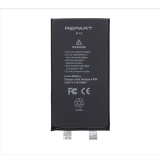 iPhone 12 / iPhone 12 Pro battery (2815 mAh) without cable and controller REPART6,93 $›
Quick checklist
- Keep the iPhone out of the heat, especially while it charges.
- Leave Optimized Battery Charging on or set a charge limit if your model has one.
- Once a week, look at which apps use the most battery.
- If the phone shuts down unexpectedly, check battery health and get a diagnosis.
- Store an unused phone at about 50% charge, switched off, in a cool, dry place.

 UA
 RO




The information below is required for social login
Sign In
Create New Account