Useful information
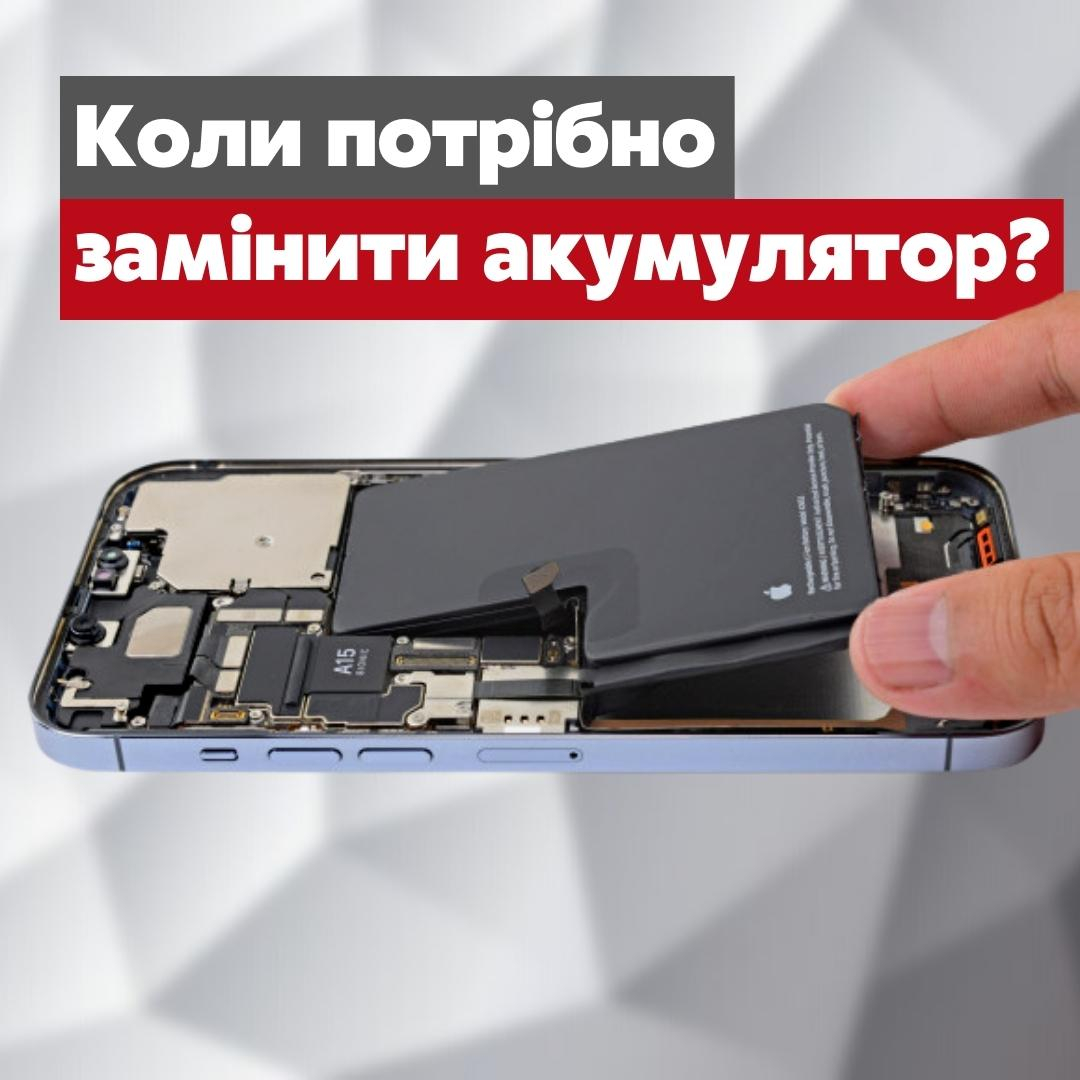
When should the battery be replaced? — a practical article with explanations and recommendations for technicians, service centers, and users. It highlights the main points to consider when choosing, using, or repairing devices.
Replace a phone battery when the system recommends service, when battery life no longer covers your day, when the phone shuts down under load, or when a diagnostic test confirms that the battery has lost capacity or can no longer deliver enough power. If the battery has swollen and the screen or back cover is lifting, stop charging the phone, do not press on it or open it yourself, and have it inspected by a technician.
Signs of a worn-out battery
- Battery life has dropped noticeably. You charge far more often than before with the same usage.
- The phone shuts down unexpectedly. This is most obvious under load, in the cold or while the indicator still shows some charge left.
- The charge level jumps. It falls quickly, sticks, or changes sharply after a restart.
- Settings report reduced battery health. Whether this screen exists, and what it is called, depends on the brand and model.
- Charging or operation has become erratic. Before replacing anything, also check the charger, the cable, the port, background apps and the temperature.
Age alone is not a diagnosis. Apple describes a battery's lifespan in terms of its chemical age, which depends on the number of charge cycles and on how the battery was treated, not just on the calendar. Heat, charging habits, load and storage all play a part, so two phones of the same year can have very different batteries.
What manufacturers say about battery wear
Lithium-ion batteries are consumables, and both Apple and Google say so in their support documentation. The figures below show how differently manufacturers rate their batteries. They describe ideal conditions, not a guarantee for every phone.
- Apple: batteries in iPhone 14 models and earlier are designed to retain 80% of their original capacity at 500 complete charge cycles under ideal conditions; iPhone 15 models are rated for 1000 cycles.
- Google: Pixel 3 to Pixel 8 Pro and Pixel Fold are rated to keep up to 80% capacity for about 800 cycles, Pixel 8a and later for about 1000 cycles. A replacement is recommended below 80% capacity or after that number of cycles.
Apple also explains why an aged battery causes sudden shutdowns: its internal resistance (impedance) rises, especially at a low charge level and in cold weather, and the phone switches off to protect its electronics when the voltage drops too far.
A swollen battery: what to do
Signs of swelling include a raised display or back cover, a gap in the housing, a deformed case or an unusual smell. Do not try to press the cover back into place, puncture the battery or keep charging it.
- Switch the phone off if you can do it without pressing on the case.
- Unplug the charger and do not turn the phone on again.
- Put the phone on a stable, non-flammable surface away from heat and anything that burns easily.
- Take it to a service centre or the manufacturer for a safe repair and disposal.
Do not post a damaged battery as an ordinary parcel and do not throw it in household waste. Check the rules for lithium batteries with your carrier and your local collection point.
Does fast drain always mean the battery is worn?
No. After a system update a phone can spend some time indexing in the background. Battery life also suffers from a weak mobile signal, high screen brightness, navigation, games, the camera, a mobile hotspot or an app that runs too much in the background.
| Symptom | Check first | When to consider a replacement |
|---|
| Fast drain | Usage statistics, signal, background apps, temperature | The problem keeps coming back and battery health is reduced |
| Slow charging | Cable, adapter, port, supported charging standard, temperature | Known-good compatible accessories do not help and diagnostics point to the battery |
| Overheating | Load, network, case, charger, software processes | The heat is unusual, appears without load or comes with a deformed case |
| Sudden shutdowns | Temperature, charge level, system errors, board power | Shutdowns repeat under load and a battery test confirms the cause |
| The phone will not turn on | Charging circuit, port, display, board and current draw | Other causes have been ruled out and the battery will not take a charge or power the phone |
If charging speed is your concern, our article on whether fast charging damages a phone battery explains what really shortens battery life. In the workshop, a fault like this is confirmed by measurement, not by swapping parts at random, and a multimeter chosen for phone repair is one of the basic tools for it.
How to check battery health on your phone
On supported models, open the battery health section in Settings or run the manufacturer's official diagnostics. iPhone owners will find it under Settings, then Battery, then Battery Health; on Pixel 8a and later the path is Settings, then Battery, then Battery health. The maximum capacity figure is an estimate, not a lab measurement. Apple notes that the battery health screen can show a warning when the battery cannot be verified as genuine, and that the information may then be inaccurate.
If there is no such menu, or the figures do not match how the phone behaves, a technician can check charging, current draw, voltage and behaviour under load. Do not rely on a single app: third-party tools usually estimate capacity indirectly.
How to choose a replacement battery
- Match the exact phone model, the battery code, the shape and the position of the flex cable and connector.
- Check compatibility against the catalogue and the battery markings, not by appearance alone.
- Compare the nominal voltage and the stated capacity with what the phone needs.
- Do not pick an unknown battery only because of a much larger capacity figure: it must be stated by the manufacturer and fit the physical format.
- Inspect the packaging, flex cable and cell. Never fit a dented, punctured or swollen battery.
- Before fitting, find out whether the model needs the controller transferred, pairing, calibration or a software step to finish the repair.
Replacement batteries in our catalogue
Here are examples for different phones. Each product card below shows the current price and availability from the catalogue. Before you order, double-check the exact phone model and battery code.
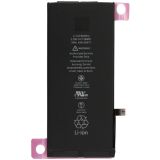 IPhone XR Original Battery10,34 $›
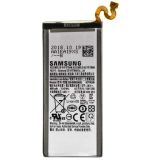 Battery Samsung N960 Galaxy Note 9 EB-BN960ABU / EB-BN965ABU (4000mAh)6,48 $›
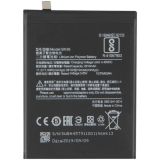 Battery Xiaomi Mi6x / Mi A2 BN36 (3010mAh)8,65 $›
 Battery Huawei HB406689ECW (4000 mAh) Y7 2017 / Y7 Prime 20177,23 $›
How to make a battery last longer
- Avoid long periods of heat, direct sun and charging under pillows or blankets.
- Use a compatible, good-quality adapter and an undamaged cable. An "original" label on its own proves nothing about safety.
- Turn on optimised or adaptive charging if your phone supports it.
- You do not need to drain a lithium-ion battery to zero to "calibrate" it.
- For long-term storage, Apple advises keeping an iPhone about half charged, and Google recommends at least 50% for a Pixel stored for more than 30 days.
iPhone-specific settings are covered in our guide on how to extend battery life on an iPhone.
What to check after a replacement
- The phone starts reliably, recognises the battery and charges with a compatible charger.
- The charge percentage falls steadily, without sudden jumps.
- Under moderate load there is no unusual heat, smell or deformation.
- The flex cable is not pinched, the case closes evenly and nothing has been left inside.
- If the manufacturer requires diagnostics, calibration or a repair completion step, it has been done for this model.
Summary
A battery needs replacing because of a combination of symptoms, the system's health status and diagnostic results, not because of the calendar. Shorter battery life can be checked in software first, while swelling or a deformed case means you stop using and charging the phone and get it inspected. Choose the new battery by its exact code and compatibility, and after fitting it check charging, temperature and stability.

 UA
 RO




The information below is required for social login
Sign In
Create New Account