Useful information
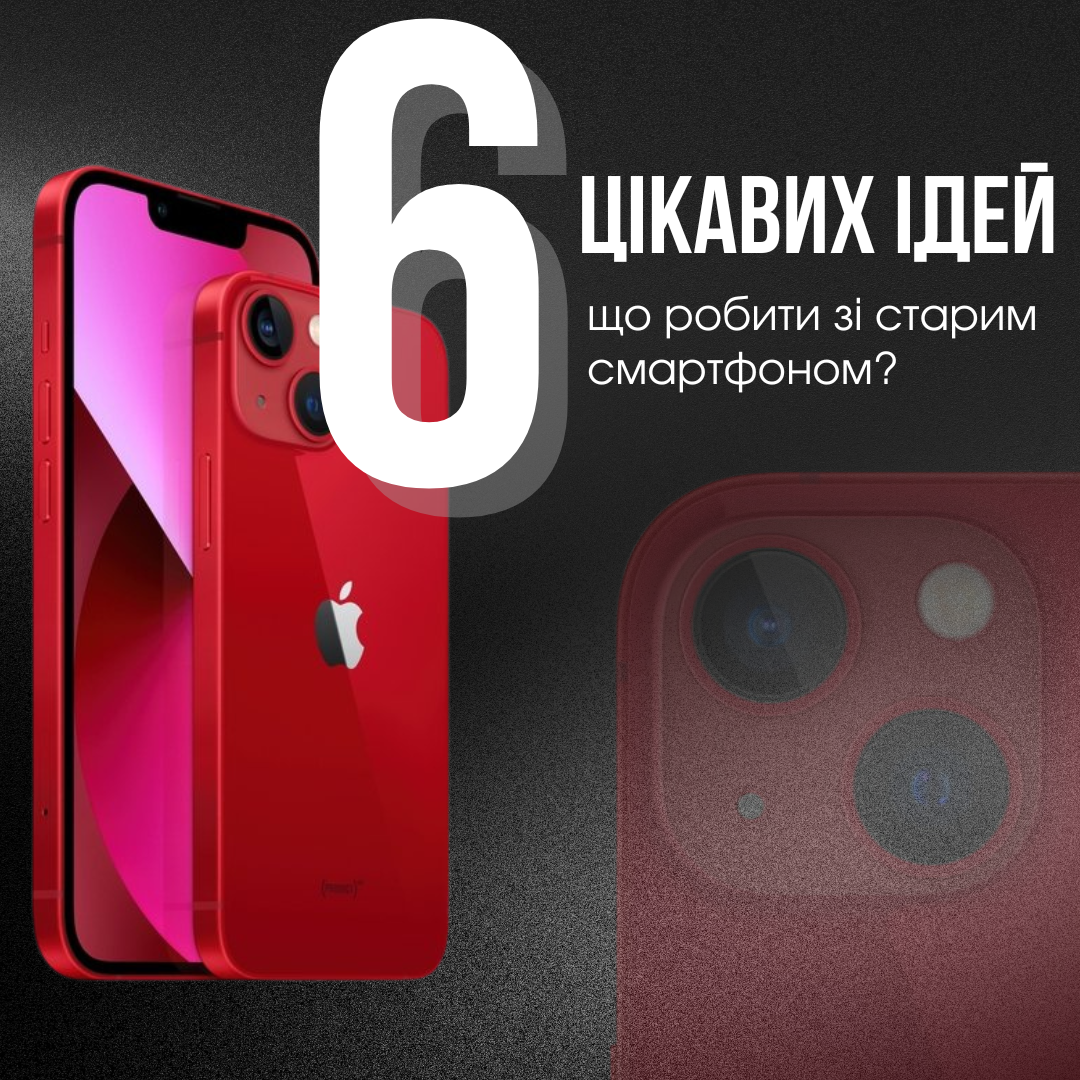
What to do with an old smartphone: 6 interesting ideas. — a practical article with explanations and recommendations for technicians, service centers, and users. It highlights the main points to consider when choosing, using, or repairing devices.
An old smartphone can stay useful as a backup phone, a music player, an offline navigator or a webcam. It can also be sold, given away, used as a donor for parts or recycled properly. Whatever you choose, start with two things: check that the battery is safe, and move your data off the phone. Before it leaves your hands, sign out of your accounts and run a factory reset. Do not use a phone that is swollen, overheats or is physically damaged.
First, check that the phone is safe to switch on
- Look at the housing and screen. A gap between parts, a lifted back cover or a bent frame can mean a swollen battery.
- Check for signs of liquid damage, corrosion, a sharp smell, strong heating or a damaged charging port.
- Never puncture, squeeze or try to flatten a battery.
- If you are unsure about its condition, do not charge the phone. Take it to a qualified repair shop for an assessment.
Signs of a worn battery and how to judge them are covered in when a smartphone battery should be replaced.
1. Keep it as a backup phone
A spare phone is handy for a second SIM card, two-factor authentication codes, travel or the days your main phone is in for repair. Install the latest update available for that model, remove apps you no longer need, then test calls, Wi-Fi, the camera, microphone, speakers and charging.
Do not leave it fully discharged for months. Check the charge level from time to time as the manufacturer recommends. How long a phone stays practical depends on more than the battery, as explained in our piece on smartphone lifespan.
2. Use it for music, reading or smart home control
Without a SIM card, the phone can serve as a music player, an e-reader, a remote for compatible smart home devices or a recipe screen in the kitchen. Keep only the apps you need and switch off unnecessary permissions. If the phone no longer gets security updates, do not sign in to banking, email or other sensitive accounts on it.
3. Turn it into a navigator or offline map
Download maps before the trip, check that GPS works without a mobile connection and mount the phone so it does not block your view. Inside a parked car, an old phone can heat up quickly from sunlight and charging at the same time. Stop using it if the housing gets hot, charging stops by itself or the battery looks deformed.
4. Use it as a camera or webcam
Several official options exist. Microsoft's Phone Link lets a Windows 11 PC use the camera of a linked Android phone running Android 10 or later as a webcam. Apple's Continuity Camera turns a supported iPhone into a webcam for a Mac. Some newer Android phones, Google Pixel models among them, can also work as a USB webcam over a data cable. Check the requirements for your exact model before you rely on it.
For home monitoring, secure the app account, follow local law and get consent from anyone who may appear on camera. Do not leave an old phone on permanent charge unattended unless the manufacturer supports that mode and the battery has been checked.
Power for a second life
Before buying accessories, find out which port the phone has, what charging parameters and protocol it supports, and what state the battery is in. One cable or adapter does not automatically fit every old model.
Power adapter
This is an example of a USB Type-C adapter. Check that your phone and cable are compatible using the product page and the device documentation.
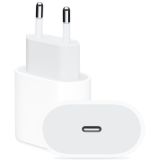 Block USB Type-C 20W Power Adapter (MHJE3) OR16,57 $›
Charging and data cable
This example has USB Type-C on both ends. A phone with Micro USB, Lightning or a USB Type-A charger needs a different, compatible cable.
 USB Type-C to Type-C cable for iPhone (1m) OR8,73 $›
5. Sell it or give it to someone else
- Back up the phone and confirm that your photos, contacts, messages and files open on your new device.
- Move your SIM or eSIM following your carrier's procedure.
- Sign out of your personal accounts and turn off activation lock features as the manufacturer describes.
- Run a factory reset from the device settings.
- After the restart, check that the phone shows the initial setup screen and none of your data.
- Tell the new owner about known defects, past repairs and the battery's condition.
Apple's guide for iPhone asks you to back up, transfer your data, sign out of your Apple Account and then erase all content and settings. For Android, Google's factory reset guide explains how to back up and wipe the phone. Samsung's support page adds that a reset started from Settings, not from the recovery menu, does not trigger Google Device Protection. Menu names vary between system versions.
More ways to protect your accounts and data are in our article on gadget cyber security.
6. Recycle it or use it as a parts donor
If the phone is no longer safe to use, look for an official take-back program from the manufacturer or retailer, or a local e-waste collection point. Ask beforehand whether they accept phones and loose batteries, how to pack them and whether a damaged battery can be handed in.
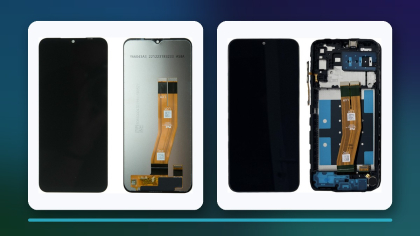
A technician should assess any donor parts. Looking intact does not prove a part works or fits another model. Label parts of unknown condition and keep them apart from tested ones.
Choosing an option by the phone's condition
| Phone condition | Sensible option | What to do first |
|---|
| Works and still runs the apps you need | Backup phone, music, navigation | Update it, test the functions and the battery |
| In working order but no longer needed | Sell or give away | Back up, sign out of accounts, factory reset |
| Has a repairable fault | Repair estimate or parts donor | Diagnosis and an honest description of its state |
| Damaged, or no longer receives updates | A limited single-purpose role or responsible recycling | Protect your data and check the collection rules |
| Swollen or damaged battery | Specialist handling | Do not charge or squeeze it, contact a professional |
Bottom line
The right choice depends on safety, software support and how you plan to use the phone. Check the battery, move your data, keep an outdated system away from sensitive accounts and pick compatible charging gear. Before selling or giving the phone away, follow the manufacturer's reset procedure, and send a phone that can no longer be used safely to a proper recycling channel.

 UA
 RO




The information below is required for social login
Sign In
Create New Account